
Getting Started with Magic Sorter for Shopify
What it does
Magic Sorter gives you complete control over the order products appear in your Shopify collections. Set up a sort once, by dragging products into place or by choosing an automatic rule like Newest Products, and Magic Sorter keeps it in order on a daily schedule, so you don't have to re-sort every time your inventory changes.
Every plan includes:
- Drag-and-drop custom sorting: arrange products in any order you like.
- Property sorting: sort automatically by Newest, Price, Inventory, Name and more.
- Daily automatic sorting: collections re-sort at a time you choose.
- Automatic backups: every sort run is backed up so you can undo it.
- Large-catalog pagination: the editor stays fast with thousands of products.
Premium adds store-wide out-of-stock sorting, more saved snapshots and scheduled sorts, and longer backup retention. See Plans and limits.
Before you start
- A Shopify store you can install apps on.
- Magic Sorter from the Shopify App Store.
Step-by-step
Connect your store
-
Install. Install Magic Sorter from the Shopify App Store.
-
Open the app. In your Shopify admin, go to Apps → Magic Sorter. You land on the Magic Sorter setup screen.
-
Choose a plan. During setup you're sent to Shopify's pricing page to pick a plan. Approve it and you're returned to Magic Sorter. Billing goes through Shopify, so there's no separate account or card to enter.
-
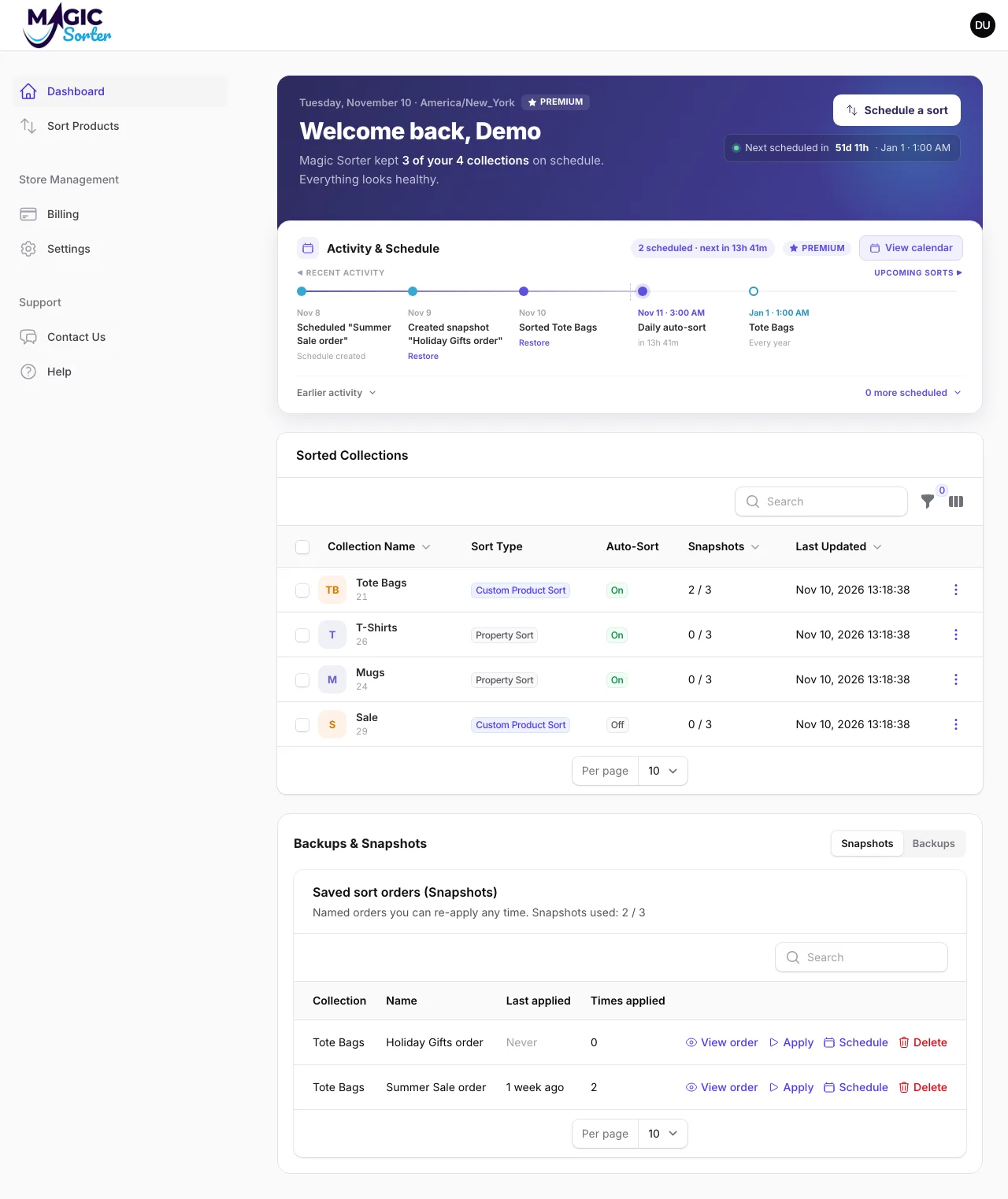
Dashboard. You land on your Dashboard.
Your first sort
-
Sort Products. In the left menu, open Sort Products. You'll see every collection in your store.
-
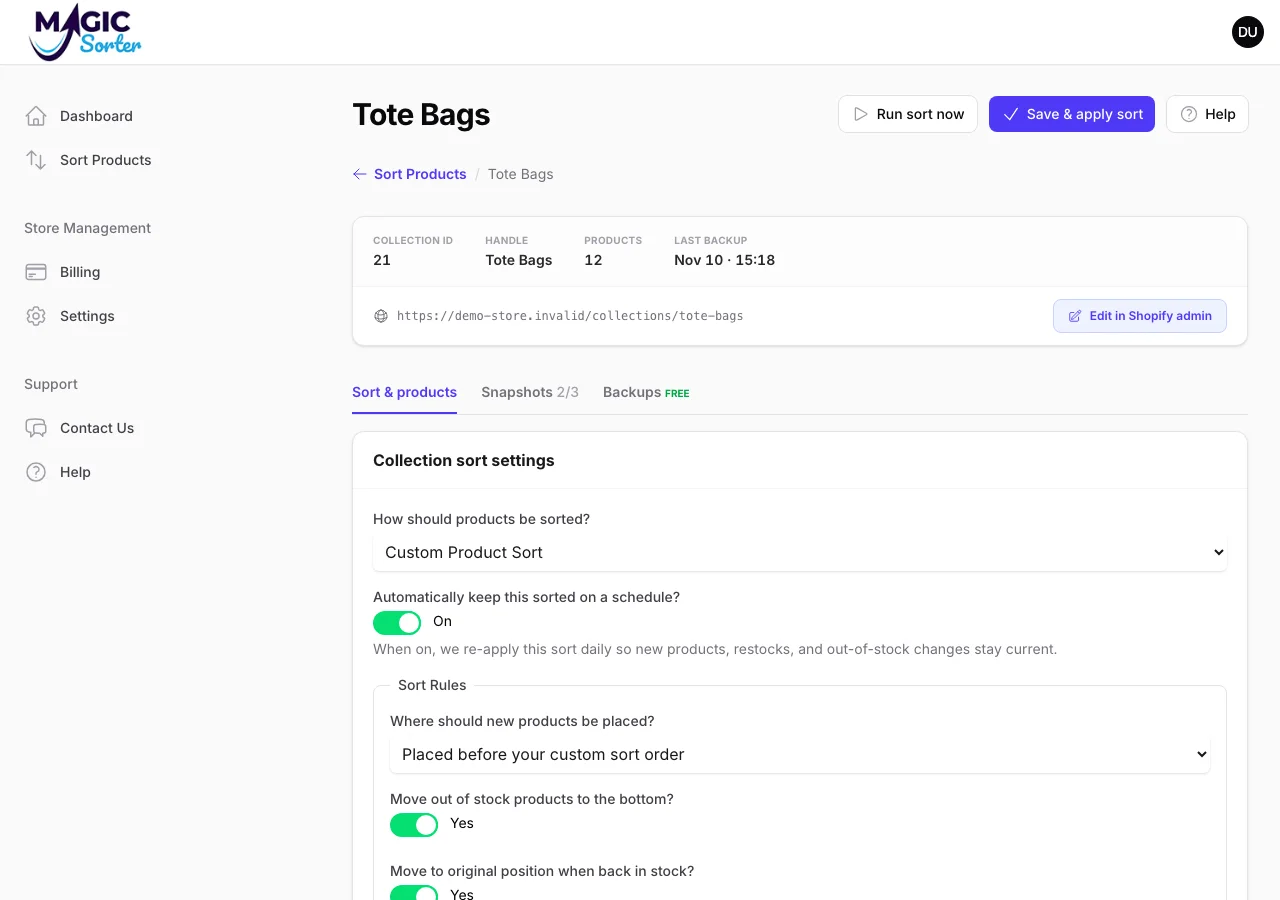
Edit Sort. Click a collection, or its Edit Sort action, to open the Sort Editor.
-
Sort Type. Choose how the collection is sorted:
- Custom Product Sort: drag products into the exact order you want.
- Property Sort: pick an automatic rule, such as Newest Products.
-
Drag products into place. If you chose Custom Product Sort, drag the products into order in the grid.
-
Save & apply sort. Click Save & apply sort. Your new order is queued and reaches your storefront within about a minute, and a backup is taken automatically.
Note
A custom sort only shows when the collection's sort is set to Manually in Shopify. Magic Sorter sets this for you whenever a custom sort runs. See Make sure your storefront shows your sort.
That's your first collection sorted. Next:
Questions? Email us at help@yourstorewizards.com.