
Our BigCommerce apps
What it does
A few of our tools are also available as single-purpose BigCommerce apps. Instead of using the tool from the Your Store Tools dashboard, you install the app from the BigCommerce App Marketplace and it runs inside your BigCommerce admin. Installing it connects your store for you, so there are no API credentials to create or copy, and you're signed in whenever you open it.
The apps available today:
| App | What it does | Guide |
|---|---|---|
| Bulk Coupon Creator | Create or import thousands of coupon codes, and manage promotions in bulk. | Bulk Coupon Creator app |
| CopyCat Category Duplicator | Copy or sync categories with their products and sort order. | CopyCat app (single storefront), CopyCat app (multi-storefront) |
| WebDAV File Manager | Browse, upload and edit your store's WebDAV files. | WebDAV File Manager app |
We also have apps that start a service we set up for you, such as V2 to V3 Product Migration. See Installing our app for a service we set up for you.
Each app is a separate subscription. If you'd rather have many tools in one place, use the Your Store Tools dashboard instead.
Before you start
- You need to be able to install apps in your BigCommerce store.
- Each app is a paid subscription. You add your billing details and a payment card during setup.
Step-by-step
-
Install the app from the BigCommerce App Marketplace and approve the access it asks for. BigCommerce connects your store and opens the app.
-
Finish setup. Each app has a short setup before you can use it: one step of its own (for example choosing a sync time, or entering WebDAV details), then Payment ("Complete Your Billing"), where you enter your Billing Information and Payment Method.
-
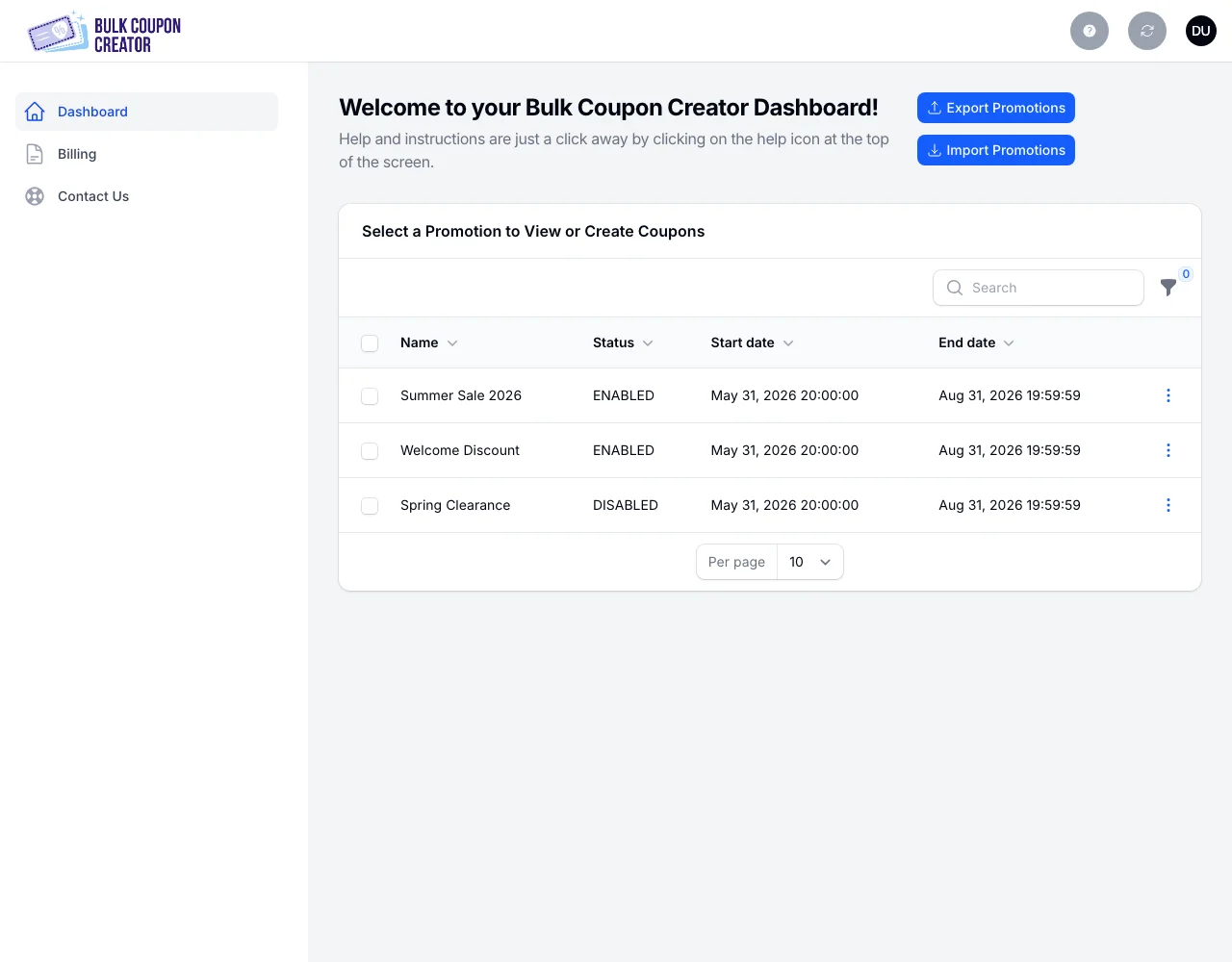
Use the app. It opens on its Dashboard. Open it again any time from Apps in your BigCommerce control panel; you're signed in automatically.
Reference
Every app has these pages in its menu:
| Page | What it's for |
|---|---|
| Dashboard | The app itself. |
| Billing | Your subscription, payment card and billing history. |
| Contact Us | Send us a message from inside the app. |
Some apps add pages of their own, such as File Library and WebDAV Settings in WebDAV File Manager. The ? icon at the top of every screen opens the app's help article, and your name at the top right opens My Profile.
Troubleshooting and FAQ
The app won't let me past setup
Every setup step must be finished, including Payment, before the Dashboard opens.
The app won't load, or says my session expired
Open it again from Apps in your BigCommerce control panel so BigCommerce can sign you in again.
What happens if I uninstall an app?
Its subscription is cancelled and the app's connection to your store is removed.