
Installing our app for a service we set up for you
What it does
Some services we do for you start with installing one of our BigCommerce apps. Installing the app gives our team the access we need to set up your service, without you creating API accounts or sharing passwords. That's all you need to do: our team then contacts you to finish the purchase and get started.
The one most stores use is V2 to V3 Product Migration by Your Store Wizards. When you install it, our team follows up to quote the cost and analyze your product data.
Before you start
- Sign in to your BigCommerce control panel as the store owner, or a user allowed to install apps.
- Check you can receive email at your store owner's email address. That's where our team will contact you.
Step-by-step
-
Find the app. In the BigCommerce App Marketplace, find the app for your service, for example V2 to V3 Product Migration by Your Store Wizards.
-
Install it. Choose Install and approve the access it asks for. BigCommerce connects the app to your store.
-
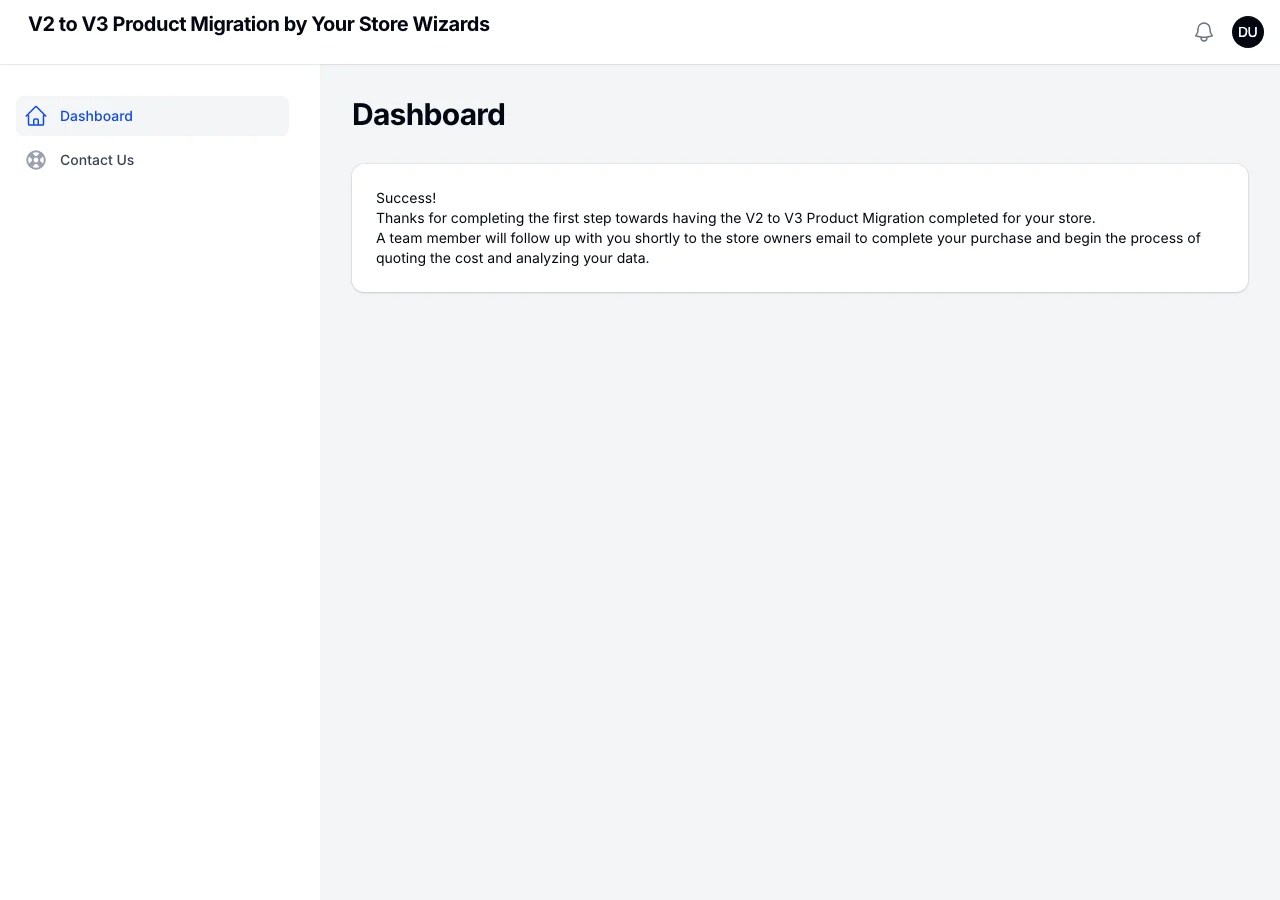
See the confirmation. The app opens on a Success! page confirming you've completed the first step.
-
Watch for our email. A team member emails the store owner's address to complete your purchase and start the work. We usually reply within an hour or two during U.S. business hours, and no later than a day.
That's it: there's nothing else to set up in the app.
Reference
| Menu item | What it's for |
|---|---|
| Dashboard | The confirmation page for your service. |
| Contact Us | Send us a message, for example to ask a question or give us a different email address to contact. |
You can open the app again any time from Apps in your BigCommerce control panel; you're signed in automatically.
Troubleshooting and FAQ
I installed the app but haven't heard from you
Check your spam folder for our email. If it's been more than a day, send us a message from Contact Us in the app, or email us at help@yourstorewizards.com.
Can you contact a different email address?
Yes. Send us the address from Contact Us in the app, or email help@yourstorewizards.com.
Do I need to do anything else in the app?
No. Once it's installed, our team takes it from there.
The app won't load, or says my session expired
Open it again from Apps in your BigCommerce control panel so BigCommerce can sign you in again.
What happens if I uninstall the app?
The app's connection to your store is removed and we're notified. If we're still working on your project, contact us first.