
Settings for BigCommerce
Quick info
Choose whether custom fields are added to new products automatically, set one default value for every custom field, and set your store's timezone.
What it does
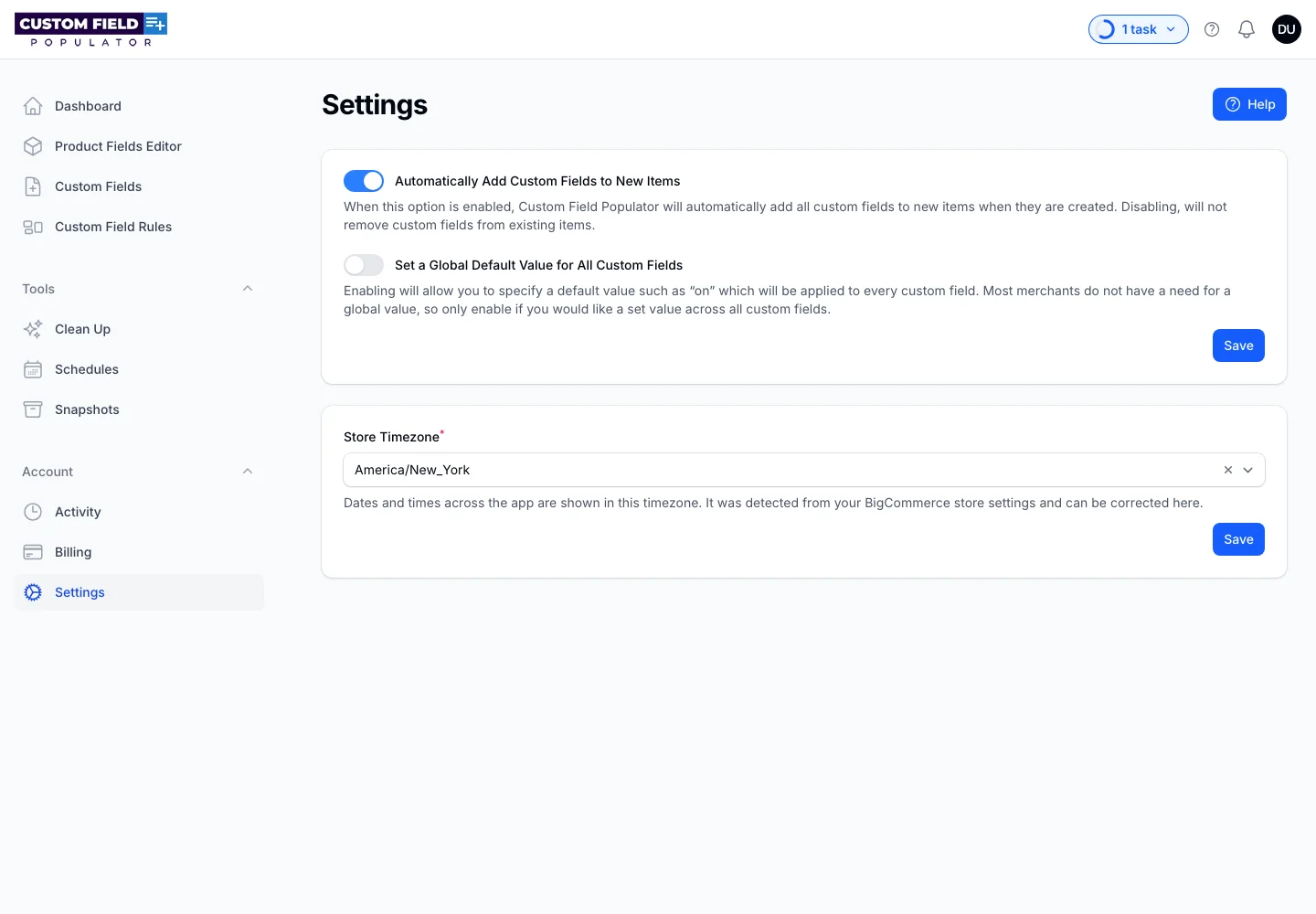
Account → Settings holds the app's store-wide options: automation for new products, a global default value, and the timezone used for dates and schedules.
Settings
| Setting | What it does |
|---|---|
| Automatically Add Custom Fields to New Items | When on, the app adds your custom fields to new products as they're created, and checks your Custom Field Rules against them. Turning it off doesn't remove custom fields from existing products. |
| Set a Global Default Value for All Custom Fields | Lets you enter one default value (such as "on") that's applied to every custom field. Most stores don't need this; only turn it on if you want one value across all custom fields. |
| Store Timezone | Dates and times across the app are shown in this timezone. It was detected from your BigCommerce store settings and can be corrected here. It's also the starting timezone for new schedules. |