
Export Price List Bulk Pricing for BigCommerce
What it does
Export Price List Bulk Pricing pulls the quantity-break pricing tiers inside your BigCommerce price lists out into a spreadsheet. Each tier is its own row, with the price list it belongs to. Only entries that have bulk pricing tiers are included.
Use it to back up or audit the bulk pricing in your price lists, review quantity breaks across customer-group price lists, or get a correctly shaped file to edit and re-import with the Price List Bulk Pricing Updater.
Note
This export covers bulk pricing stored inside price lists. To export bulk pricing set directly on products, use Export Product Bulk Pricing.
Before you start
- A BigCommerce store connected to Your Store Tools.
- Know which price lists you want to export.
Step-by-step
-
Open Export Price List Bulk Pricing. Choose the tool from your dashboard.
-
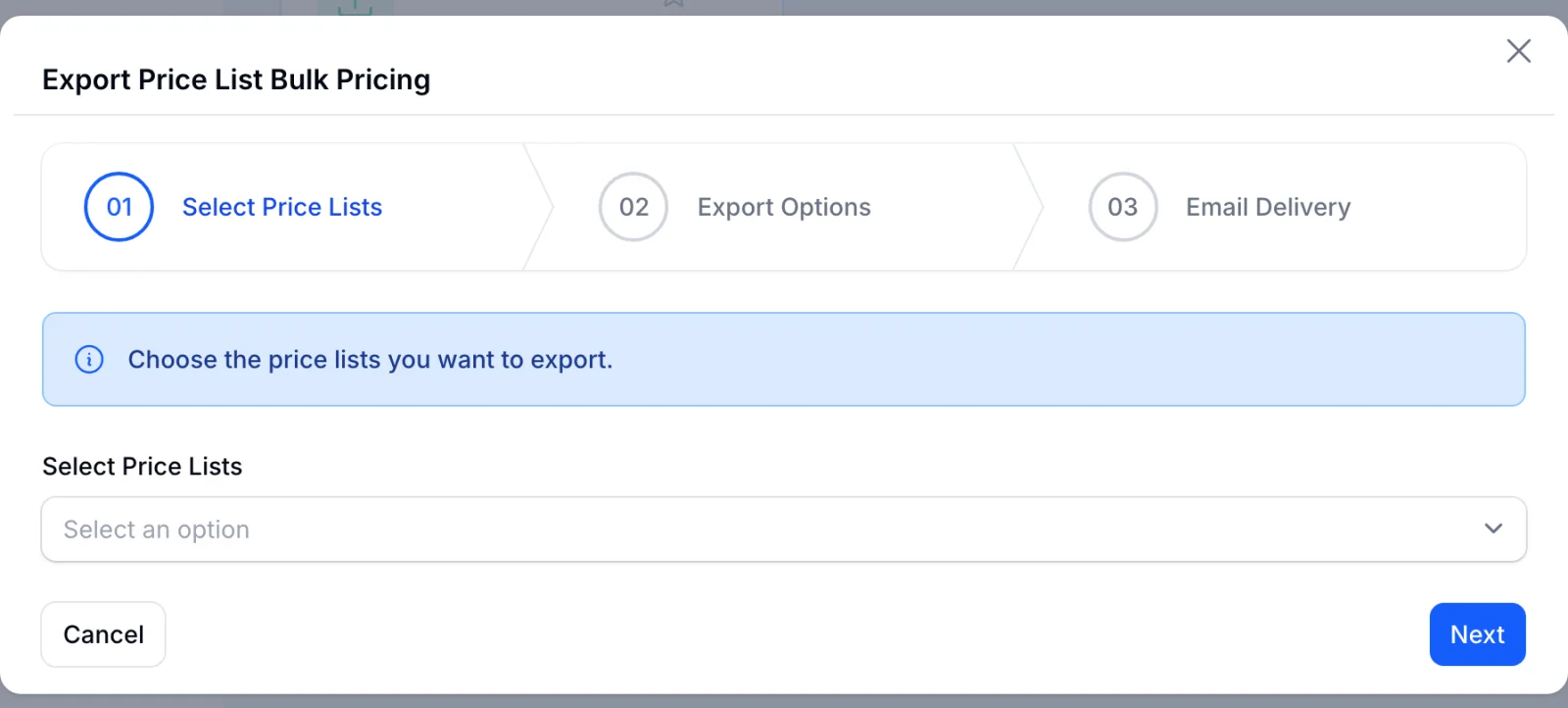
Select Price Lists. Choose one or more price lists. The field is searchable. Leave it empty to export every price list.
-
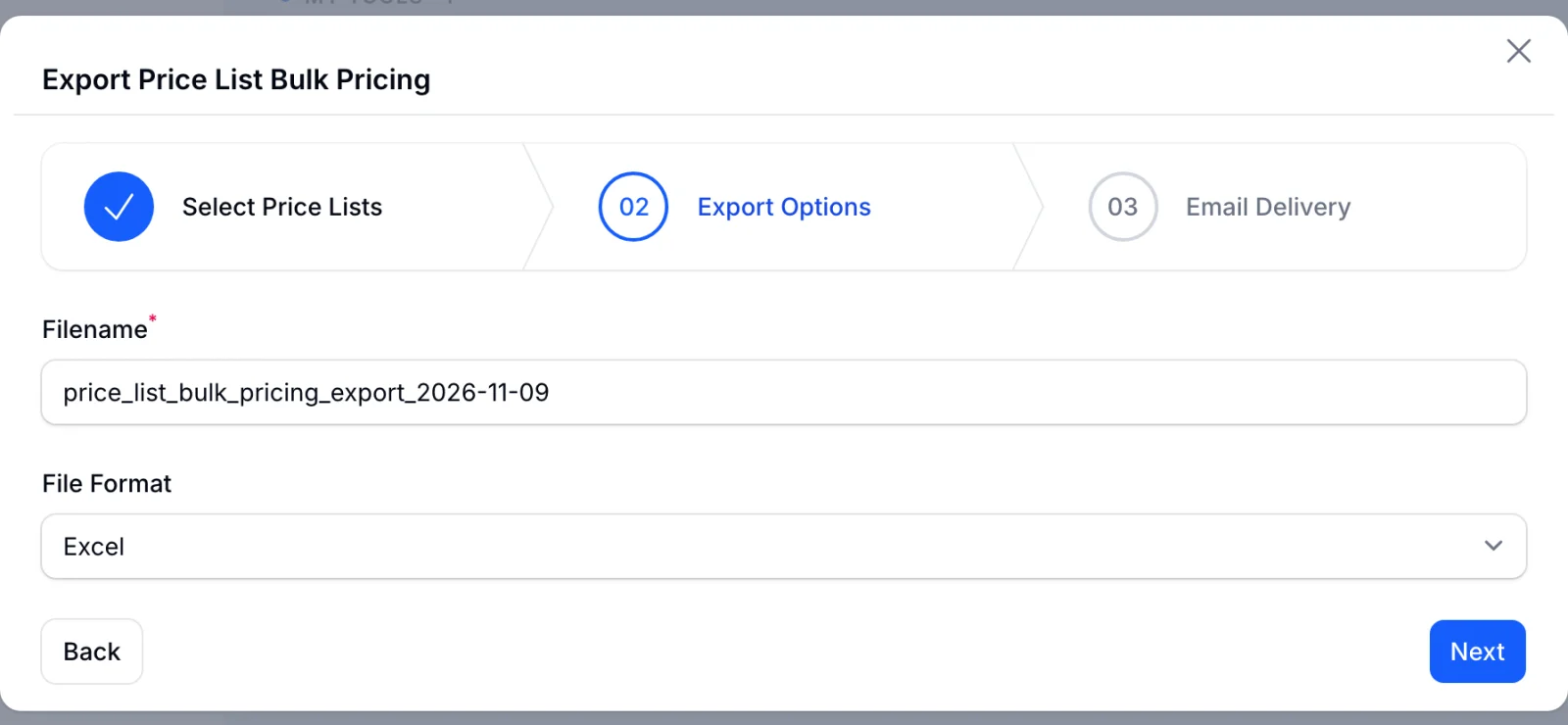
Export Options. Set a Filename (a name with today's date is filled in for you) and choose a File Format: CSV or Excel.
-
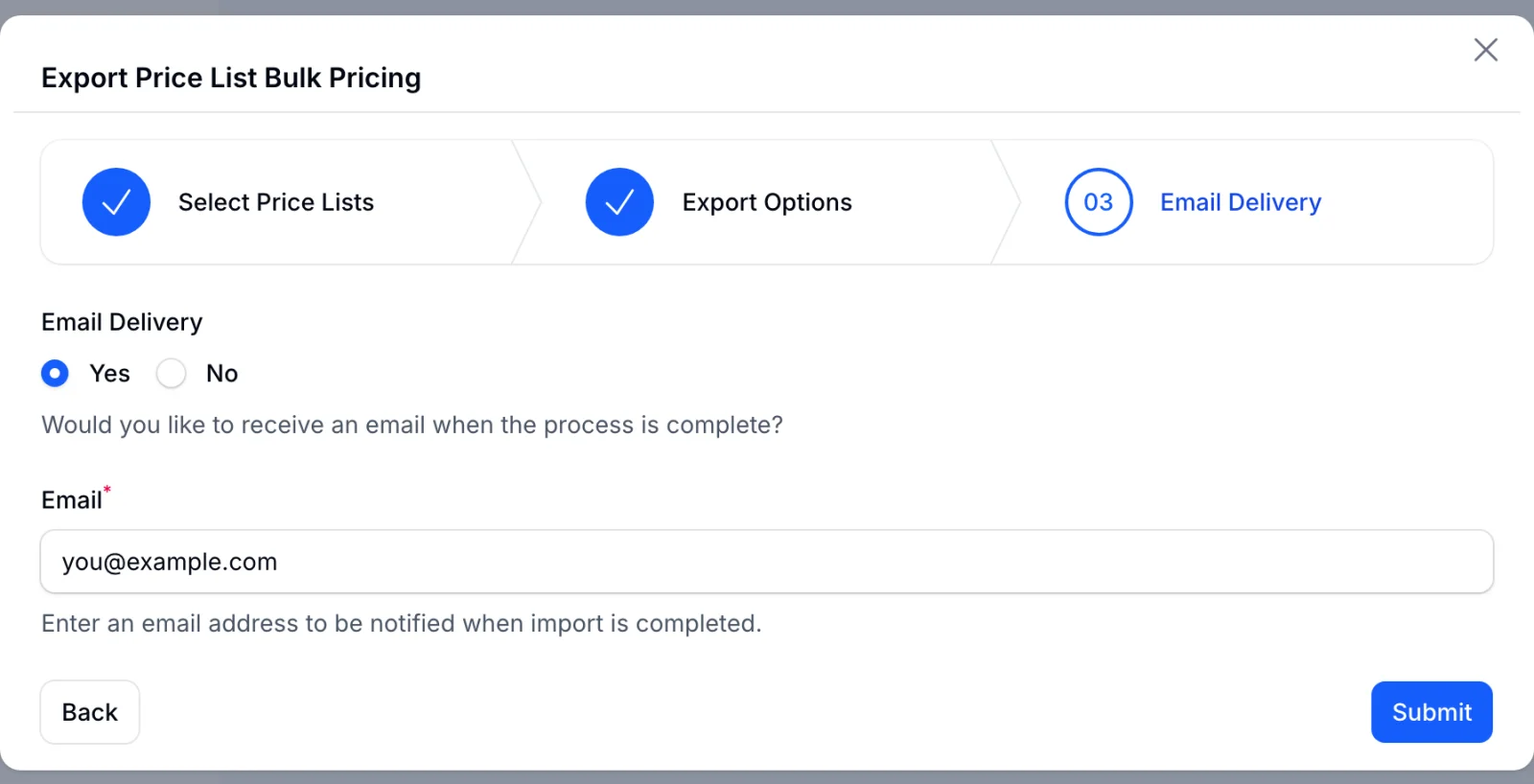
Email Delivery. The download link is emailed to you when the export finishes. Your account email is filled in; change it, or choose No if you don't want the email.
-
Submit. The export runs in the background. When the file is ready, download it from the tool, or from the link in the email.
Reference
The file has these columns:
| Column heading | What it holds |
|---|---|
sku |
The product SKU. |
min_qty |
The minimum quantity for the tier. |
type |
How the amount applies: price, percent or fixed. |
amount |
The tier's value. |
price_list |
The price list the tier belongs to. |
This is the shape the Price List Bulk Pricing Updater imports. When you match your file's columns there, match price_list to Price List Name.
Troubleshooting and FAQ
An entry is missing from the file
Only entries that have bulk pricing tiers are exported.
I got a "nothing found" message and no file
The price lists you chose have no bulk pricing tiers, so there was nothing to export. Try a different price list.
I didn't get the email or the link
Check your spam folder, confirm the address on the Email Delivery step, and make sure delivery wasn't turned off. You can also download the file from the tool once it finishes.
I got a permission or API error
This usually means your store connection is missing a permission the tool needs. Contact us from Contact Us in your dashboard and we'll help you fix it.