
Migration Connection for Shopify
What it does
Migration Connection gives our team the access we need to migrate data from your Shopify store. You open the tool, approve Shopify's request for the extra access, and our team handles the migration from there.
There's nothing to fill in, no keys or passwords to copy, and nothing to run.
Use it when you're working with us on a migration and we've asked you to connect your Shopify store.
Before you start
- Talk to our team first. What gets migrated, and where to, is arranged with us, not chosen in this tool.
- Sign in to the Shopify store you're approving as the owner or a staff member who can approve app access.
- The tool asks Shopify for permission to read and change your customers, orders (including older orders), order edits and fulfillment orders.
Step-by-step
-
Open Migration Connection. Choose the tool for your Shopify store.
-
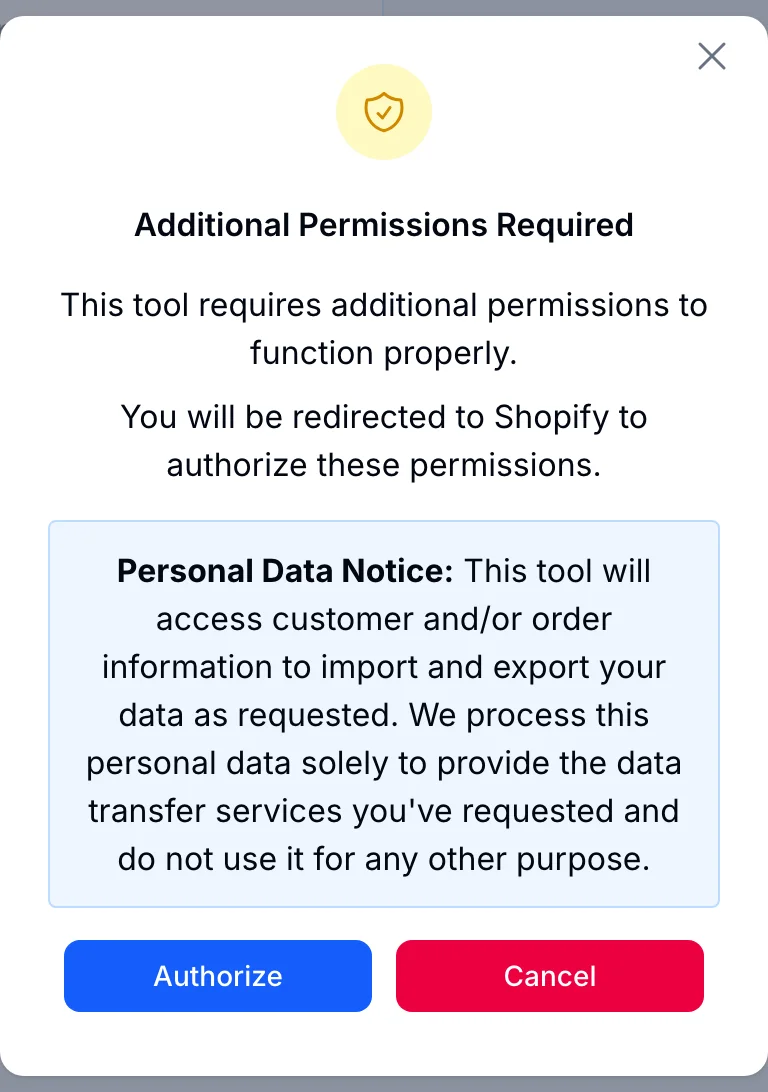
Approve the access. The first time, you'll see Additional Permissions Required. Choose Authorize, and Shopify asks you to approve the extra access. Approve it.
-
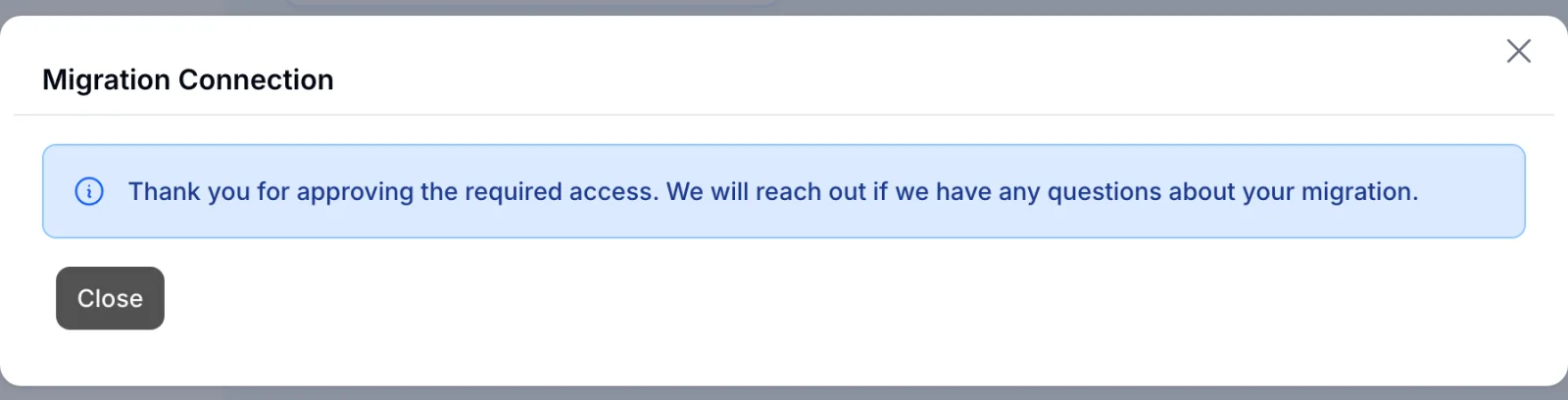
You're done. Open the tool again and it shows "Thank you for approving the required access. We will reach out if we have any questions about your migration." There's nothing more to do; our team takes it from here.
Troubleshooting and FAQ
What data gets migrated?
That's agreed with our team, not chosen in the tool. If you're not sure what's covered, contact us from Contact Us in your dashboard and we'll confirm.
Do I need to enter any keys or passwords?
No. Approving the access in Shopify is all that's needed.
There's nothing to fill in. Is something wrong?
No. The tool is only an approval step. Once you've approved the access, you're done.
Will I get emails about my migration?
Not from this tool. Our team will contact you if we have questions.
What happens after I approve?
Our team starts the migration and will reach out if we need anything.
I chose Cancel by mistake
Open the tool again and choose Authorize.