
Uninstalling Search Magic from Shopify
Quick info
Remove Search Magic from your Shopify admin's Apps page. Older installations may also have a page named Search Magic that you can delete.
Step-by-step
-
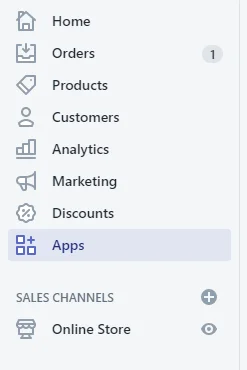
Apps. In your Shopify admin, go to the Apps page.
-
Remove Search Magic. Find Search Magic in the list and remove it.

-
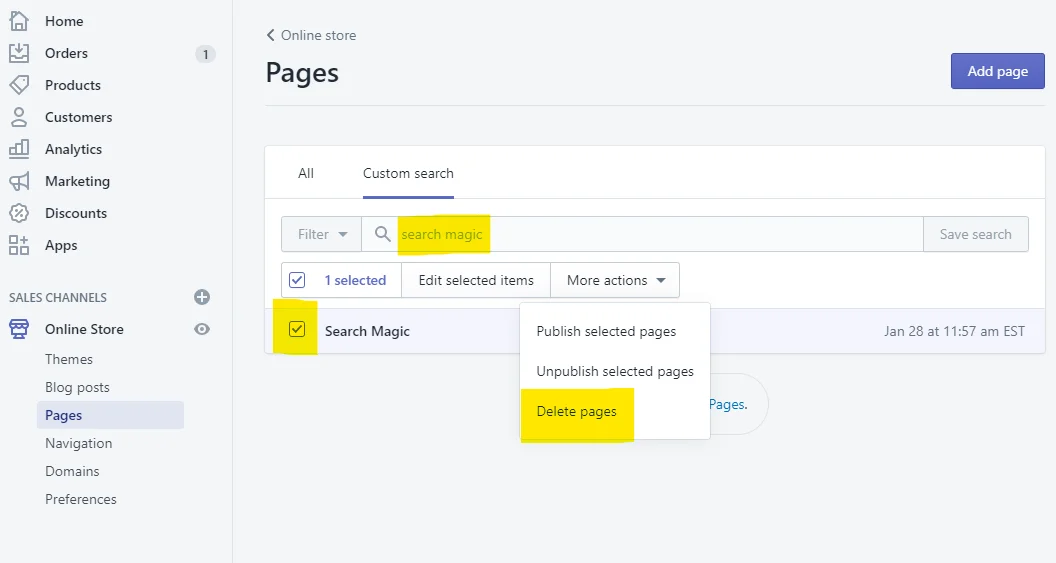
Remove the old results page (optional). Stores that installed Search Magic some time ago may have a page named Search Magic. To delete it, go to Online Store → Pages, find Search Magic, tick its checkbox and delete it.
Questions? Email us at help@yourstorewizards.com.